How to Stop WhatsApp from Automatically Filling Up Your Phone Storage
A simple guide on how to configure the popular messenger to prevent it from cluttering your smartphone's internal memory with unwanted photos and videos.
 🚨Events
Photo: UNIAN
Key points
- WhatsApp automatically saves incoming media files to phone storage by default.
- Messenger media files typically occupy between 2 and 10 GB of space.
- Settings on Android and iOS allow users to disable automatic photo saving.
- Built-in application tools help quickly clear out unnecessary files.
Modern smartphones with 64GB or 128GB of storage often face the issue of running out of space quickly. Experts point out that one of the main culprits is the WhatsApp messenger, which automatically saves all incoming media files to the device's memory. As a result, photos, videos, and documents from contacts can quietly consume gigabytes of valuable space, causing inconvenience for everyday users.
Configuring Media Save Settings on Android and iPhone
To prevent memory overload on Android devices, users simply need to change a few settings within the app menu. Disabling the automatic download of all incoming content means new images and videos will appear as blurred previews, allowing you to choose which files are actually worth downloading. A similar convenient feature is available for iPhone users, preventing the app from duplicating every received photo or video directly into the main device gallery.
In addition to adjusting download settings, the messenger includes a built-in storage management tool. The app analyzes chats, shows how much space media files occupy, and sorts the heaviest videos and images sent repeatedly. These steps allow users to quickly identify and delete unnecessary clutter while keeping genuinely important memories intact.
Users are advised to periodically check their application settings to avoid a sudden shortage of free space on their phones.
Source UNIAN — unian.ua/techno/communications/yak-zvilniti-do-10-gb-na-smartfoni-p… ↗
Read next
 🏙️City
German Army Seeks to Adopt Ukrainian Delta Combat Management System
The Bundeswehr plans to test and potentially integrate Ukraine's Delta combat system, which has proven its effectiveness on the frontline.
 🏙️City
Zelenskyy announces new Russian tactics targeting energy grids
Ukrainian President Volodymyr Zelenskyy reported a shift in enemy strategy aimed at destroying transmission lines and power grids in key regions.
 ⚽Sport
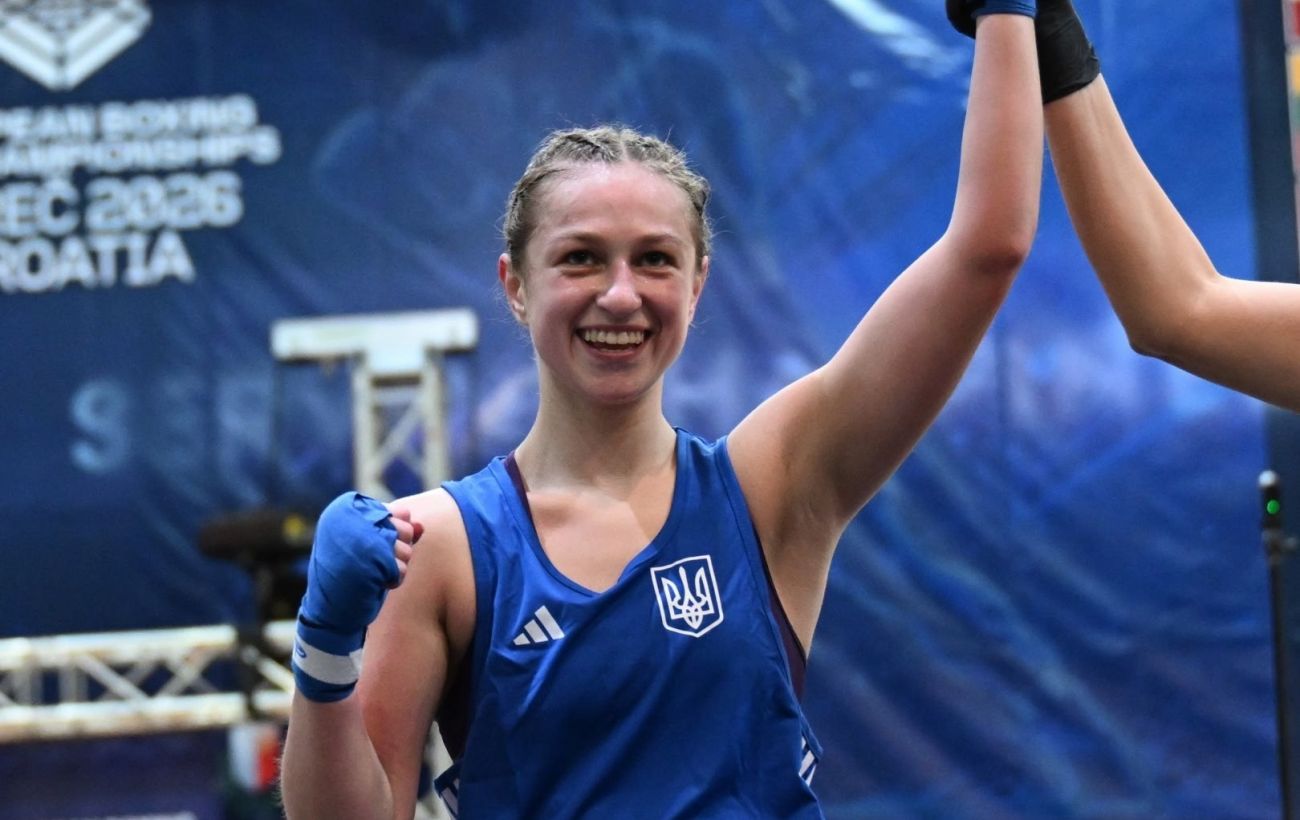
Ukrainian boxer Sofiia Turbinina wins bronze medal at U23 European Championship in Croatia
Ukrainian athlete Sofiia Turbinina secured a bronze medal at the U23 European Boxing Championship held in Poreč, Croatia.
 💼Economy
Labor Shortage in Ukraine: High Salaries Fail to Attract Enough Specialists
The Ukrainian labor market is facing a severe shortage of blue-collar and technical specialists. Despite high salaries exceeding 60,000 hryvnias, employers struggle to fi…
 🇺🇦Ukraine
US Restricts Military Cooperation with Canada: A New Phase of Tension Between Washington and Ottawa
US Defense Secretary Pete Hegseth has signed a classified directive restricting military contacts with Canada. This step marks another stage of cooling relations between …
 🛡️Security
Naval drone attack on Russian vessels in Libya: incident details
Russian vessels delivering military cargo were attacked in the Libyan port of Benghazi, resulting in fires and significant equipment damage.